
FH700HIA
Hard of Hearing Alarm

FHB10W
Wireless Smoke Alarms

FHH10W
Wireless Heat Alarms

CO7B-10Y-W
Wireless CO Alarms


1.0 Plug in power supply and Vibrating Pillow Pad into the Control Unit and switch on.
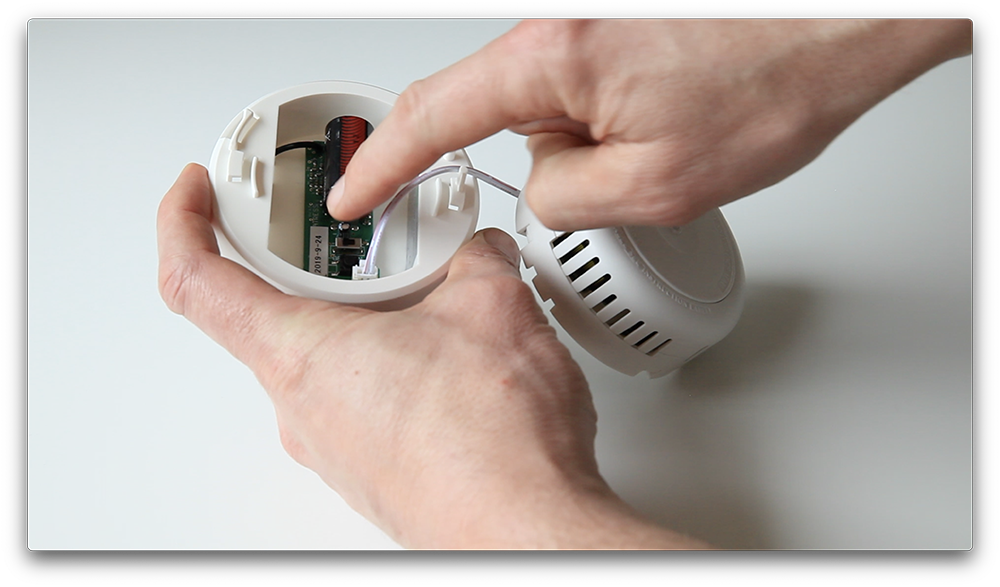
1.0 Plug in alarm into pattress and switch on radio base, the pattress LED will flash green twice per second.

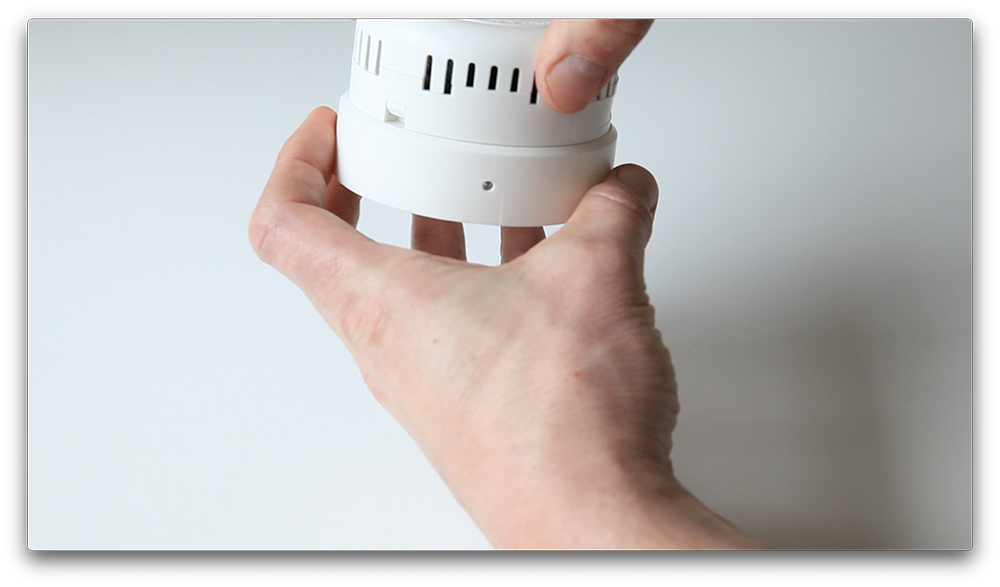
2.0 Bring alarm and radio base together then twist/slide to lock into place. Wait for smoke or heat alarm to BEEP TWICE, CO alarms BEEP FOUR TIMES


3.1 Place the two Control Units on a table spaced at least 20cm APART

3.2 Press the BLACK BUTTON on both Control Units.
3.3 Watch carefully as both devices FLASH GREEN AND RED
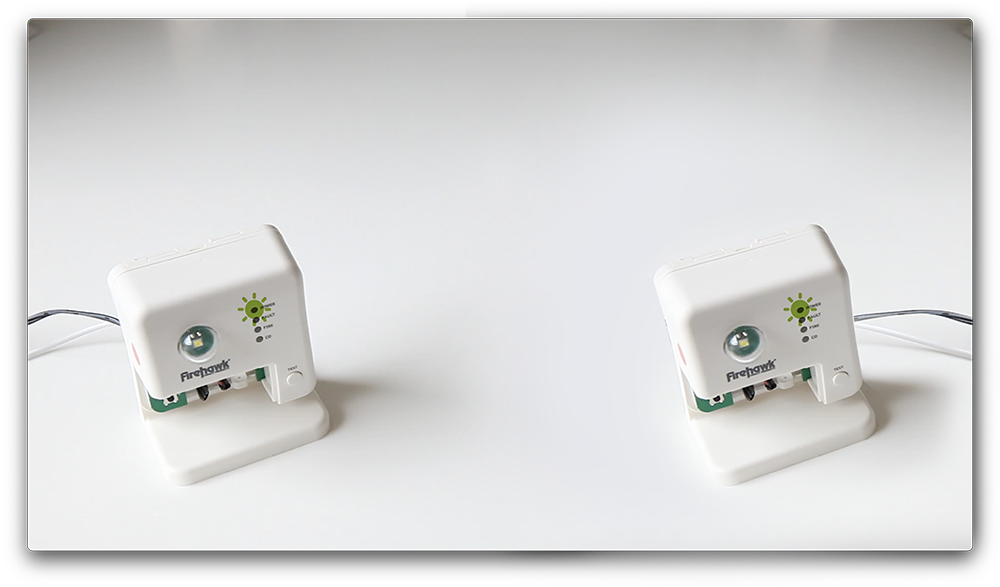
3.4 As soon as both units FLASH GREEN ONLY, proceed to add alarms.


4.1 Press the BLACK BUTTON on the Control Unit.
4.2 Then press the TEST BUTTON on the alarm.

4.2 Watch carefully as both devices FLASH GREEN AND RED. 4.3 As soon as the Control Unit FLASHES GREEN ONLY, move it to one side.
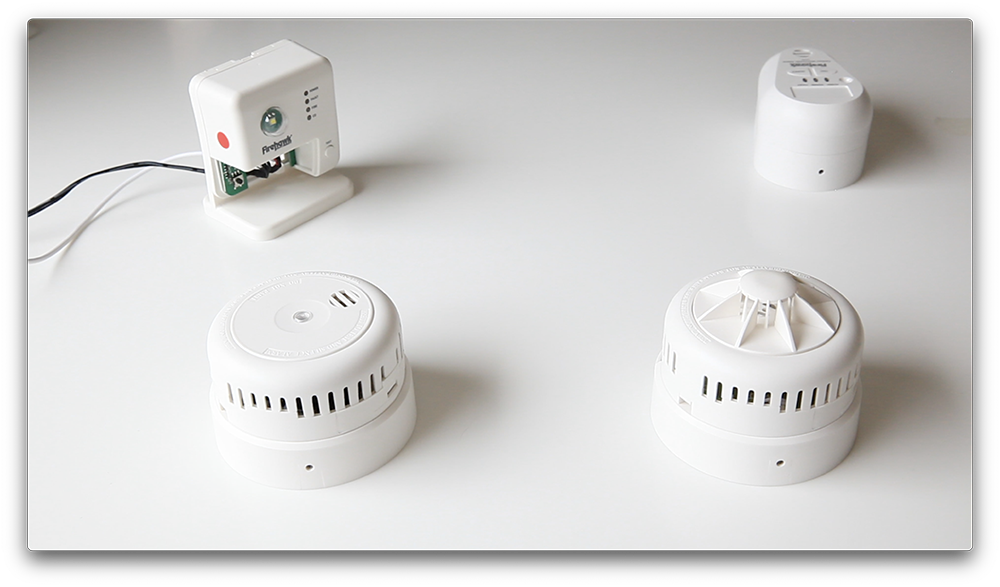
4.5 The other alarm will continue to FLASH GREEN AND RED until it BEEPS, then it will FLASH GREEN (CO x4)
The devices are now paired!
THERE IS NOW A 10 SECOND WINDOW TO ALLOW ANOTHER DEVICE TO THE SYSTEM


5.1 Press the TEST BUTTON on the PAIRED ALARM (THAT BEEPED) and wait THREE SECONDS. 5.2 Then press the TEST BUTTON on the UNPAIRED ALARM.
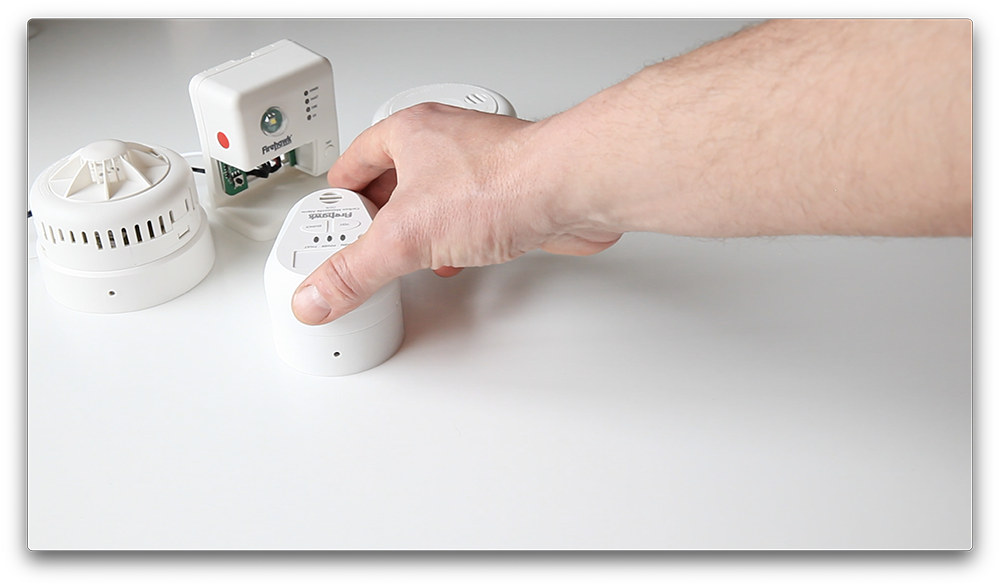
5.3 During the pairing process the smoke and heat alarms will have BEEPED ONCE CO alarms BEEPED FOUR TIMES and all pattresses will have FLASHED GREEN twice.

5.4 When the 10 second window elapses the Pattresses and Control Unit(s) will FLASH GREEN RAPIDLY
PAIRING IS COMPLETE WHEN EACH ALARM BEEPS AND THE CONTROL UNIT AND PATTRESSES FLASH GREEN TWICE


6.1 Press the TEST BUTTON on one control unit. The Pillow Pad will vibrate, the strobe will flash and each paired alarm will sound.

6.2 Due to signal timings it’s possible an alarm may not sound during testing. This does not necessarily indicate there is a connection problem.
6.3 Please perform a test from said alarm, as well as each alarm in the system to confirm that ALL alarms are paired.
IF ANY DEVICE FAILS TO BEEP AND FLASHES RED PLEASE RESET ALL DEVICES AND REPEAT THE PAIRING PROCESS.

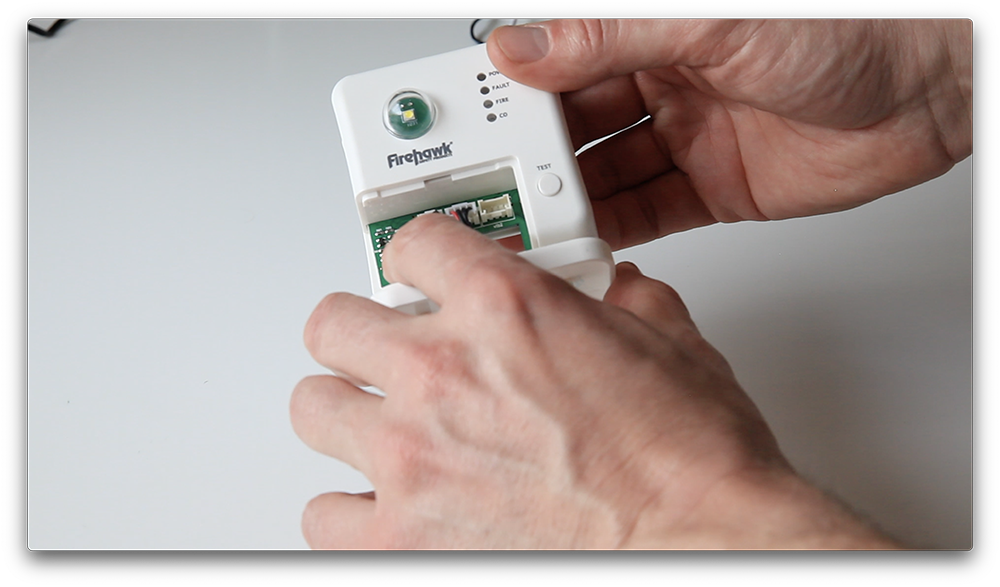
7.1 To reset the Control Unit push and hold the BLACK BUTTON for 5 seconds.
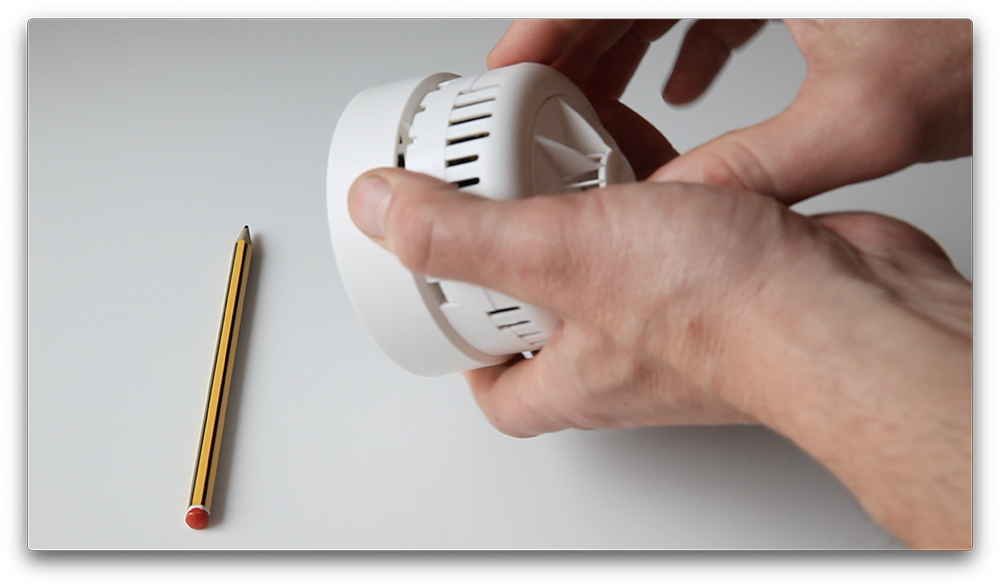
7.2 To reset the pattress, remove the alarm device and press the BLACK BUTTON. This will restore factory settings and unlearn all paired devices.
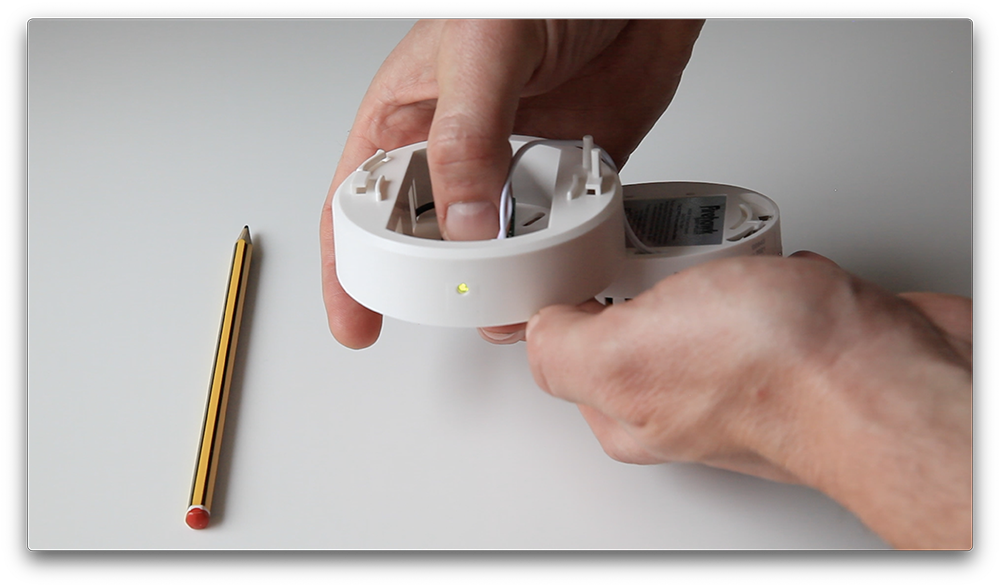
7.3 The LED will FLASH RED four times then begin to FLASH GREEN as in step 1.0