

SMOKE ALARM
FHB10-RF

HEAT ALARM
FHH10-RF
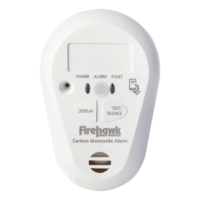
CO ALARM
CO10-RF

FireHawk RF-Link devices can be radio linked (wirelessly) to Smoke Alarms (FHB10-RF), Heat Alarms (FHH10-RF), Carbon Monoxide Alarms (CO10-RF), RF-Link equipped Mains Smoke and Heat Alarms (fitted with FHN600RF RF-Link module) and Hearing Impaired Control Units (FHN800HIA).
1. CONNECT
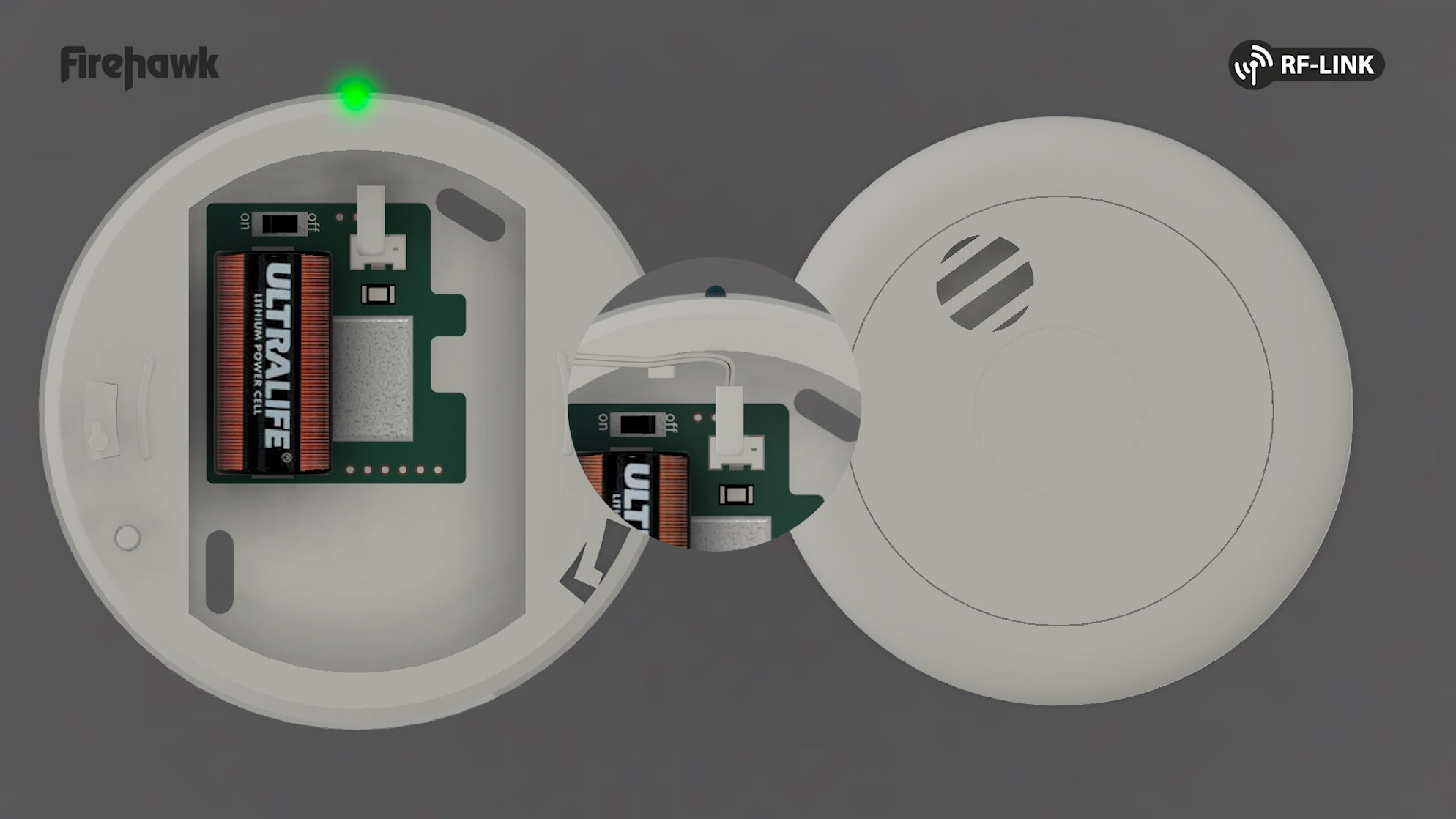
1.1 Plug alarm into pattress and switch on radio base, the pattress LED will flash green twice per second. If not, please complete step 6.0 to reset the device.

1.2 Secure the alarm wire into the retaining slot.
Important: the wire can interfere with the radios antenna if not secured in the retaining slot.
2. ALARM ASSEMBLY
2.1 Bring alarm & radio base together then twist/slide to lock into place. The light will flash RED and the device will beep.


2.2 Repeat this procedure for each additional alarm in the system.
3. DEVICE LINKING
3.1 Press the TEST BUTTON on any assembled alarm, this will put it into linking mode and its light will flash red and green.
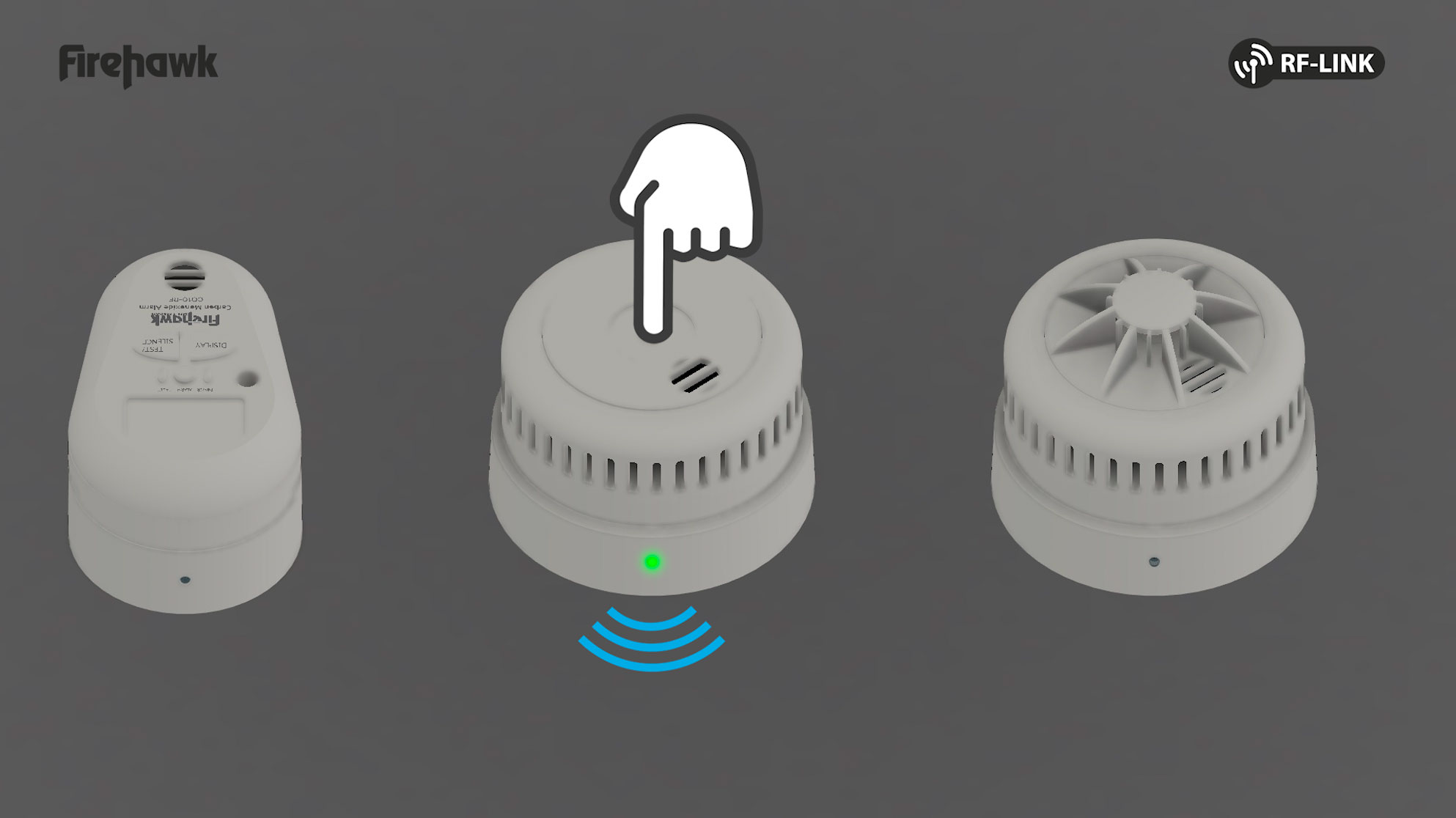
3.2 Press the TEST BUTTON on the next alarm to put it in linking mode, it will flash red and green.

3.3 Wait a few seconds for the alarm to beep and stop flashing its lights. The alarm is now linked.

3.4 Repeat step 3.2 & 3.3 for each alarm to be added to the system.


3.5 Once all alarms are linked, wait 20 seconds or press the test button on the first alarm to exit linking mode. If the test button is pressed on the first alarm to exit linking mode, the alarm will perform a test, step 4.1.

4. LINKED ALARMS READY FOR INSTALLATION
4.1 Press the TEST BUTTON on any one alarm and wait for each linked alarm to sound. (Due to signal timings each alarm may trigger at the same time making it difficult to detect a faulty alarm). Please perform a test from each alarm in the system to ensure every alarm is successfully linked.


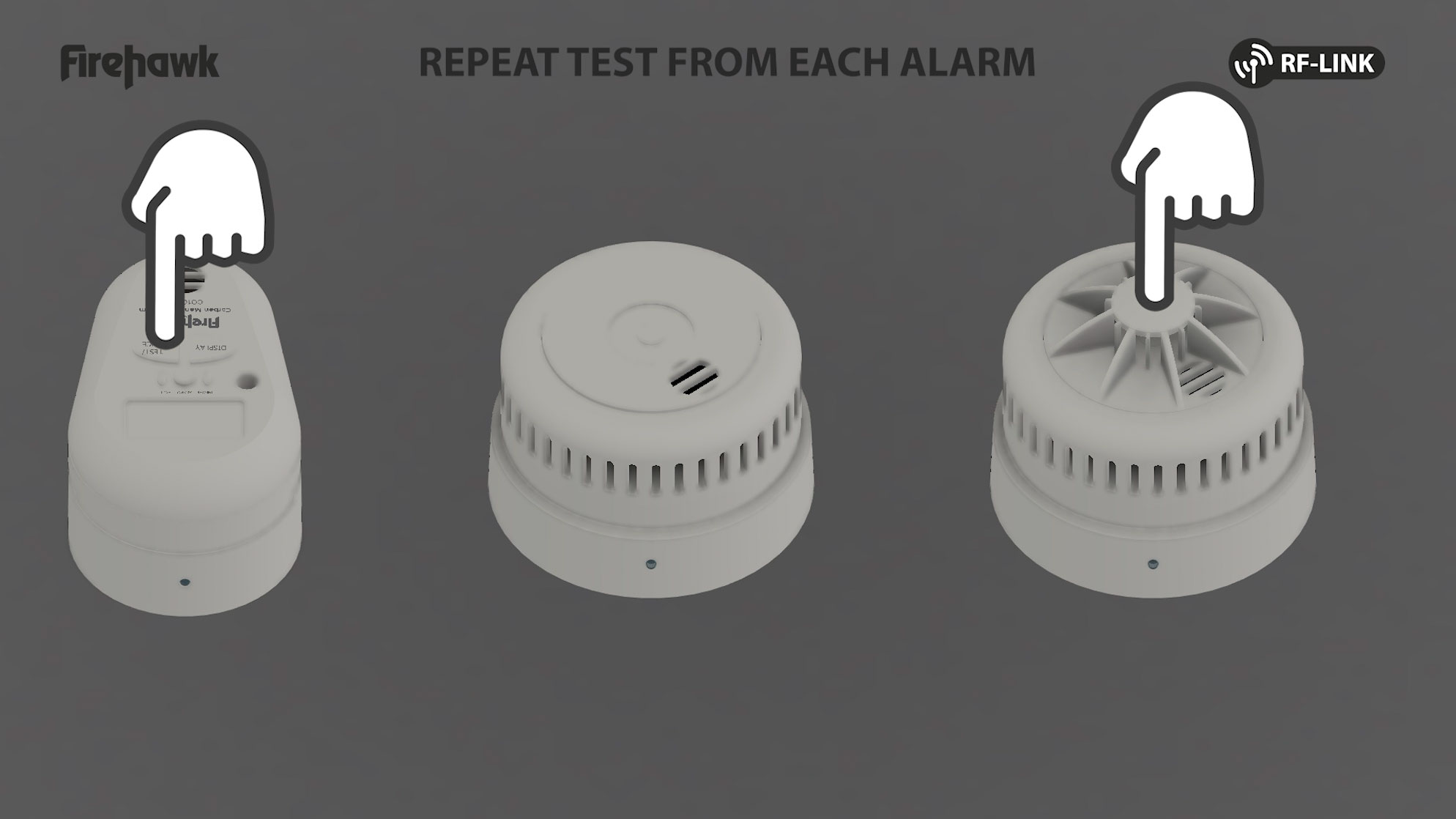
4.2 Install the alarms around your home then test again with the alarms in position to ensure there are no radio range issues.
5. LINKING ADDITIONAL ALARMS
To add a new alarm to an existing system complete steps 1 and 2 first…

5.1 Open any already linked alarm and press the white RF button on the radio pattress to enter linking mode, the red and green led will flash.


5.2 Press the TEST BUTTON on the new alarm to put it in linking mode, it will flash red and green.

5.3 After the alarm has beeped and stopped flashing its lights, it is now linked.

5.4 Press the white button on the already linked alarm to complete the process, then reassemble the alarm.
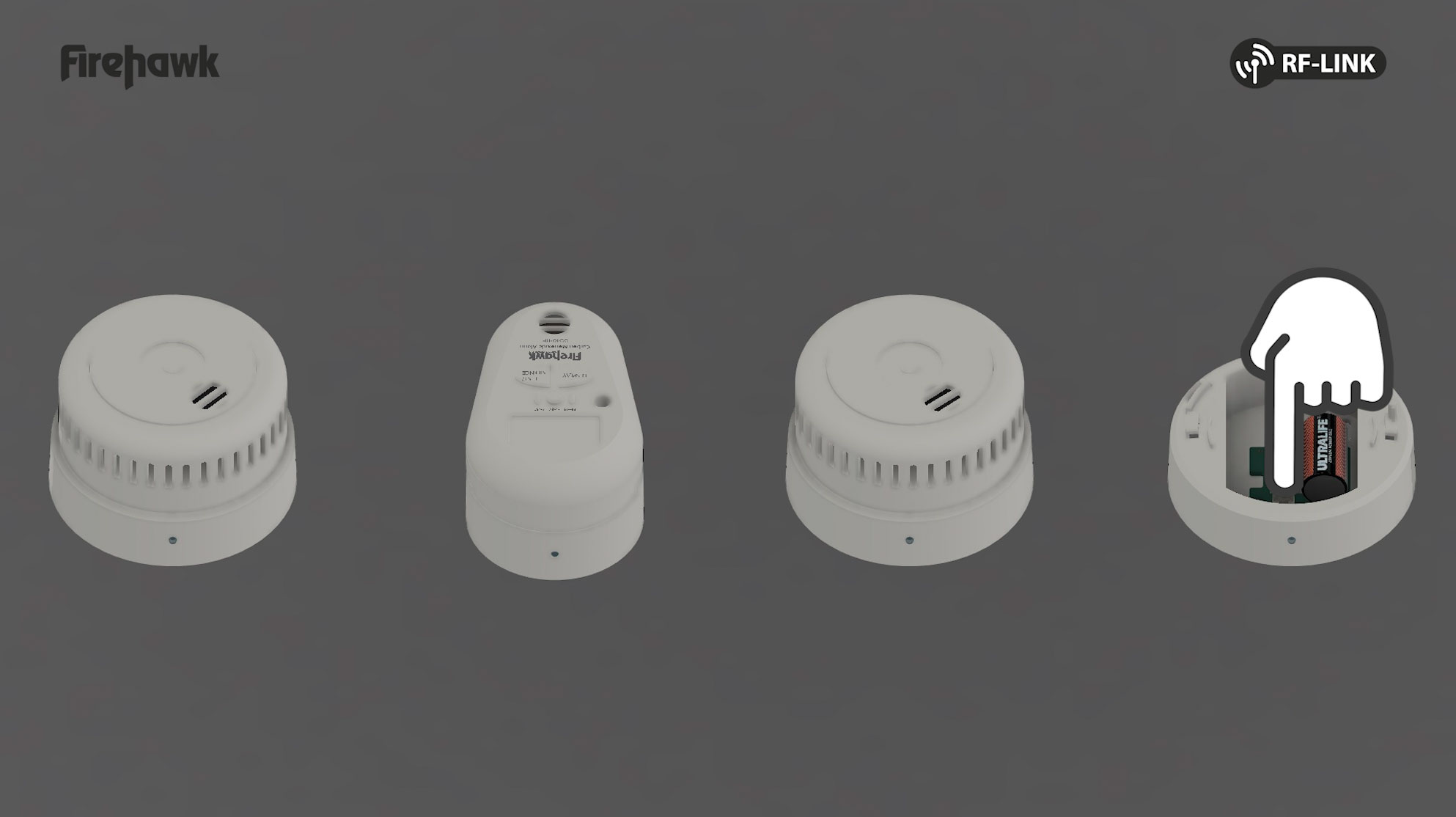

5.5 Re-test the system to ensure the new alarm is properly interlinked.
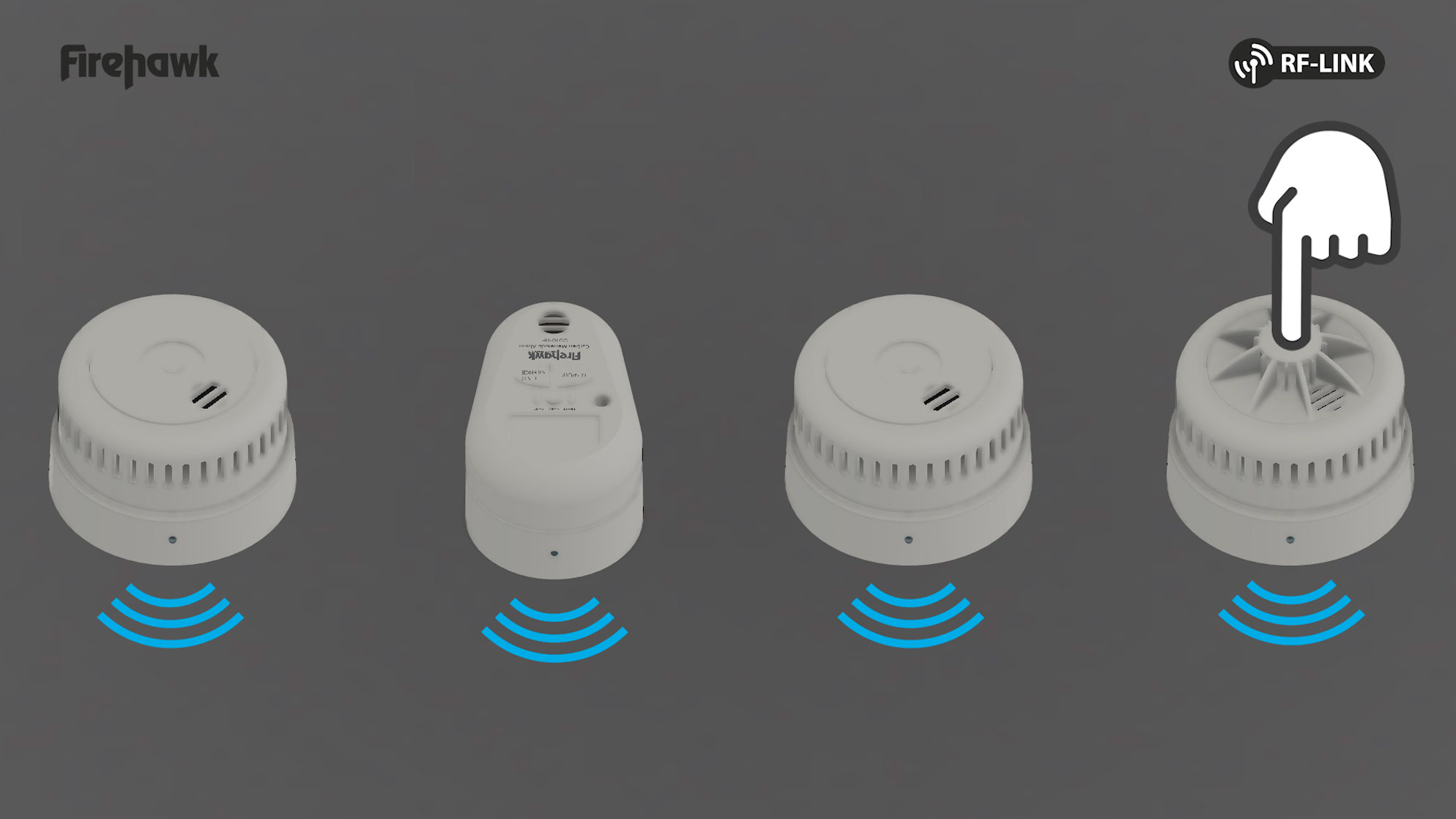
YOUR FIREHAWK FIRE & CO ALARM SYSTEM IS NOW RF-LINKED
6. DEVICE RESET
6.1 Open any already linked alarm and press the white RF button on the radio pattress to enter linking mode, the red and green led will flash as in step 3.1

Fireblitz Extinguisher Ltd.
Units 15-17 Manford Industrial Estate,
Manor Road. Erith, Kent DA8 2AJ
Telephone: 01322 342238
TECHNICAL HELPLINE 0800 008 6568
Text on 07885 831239